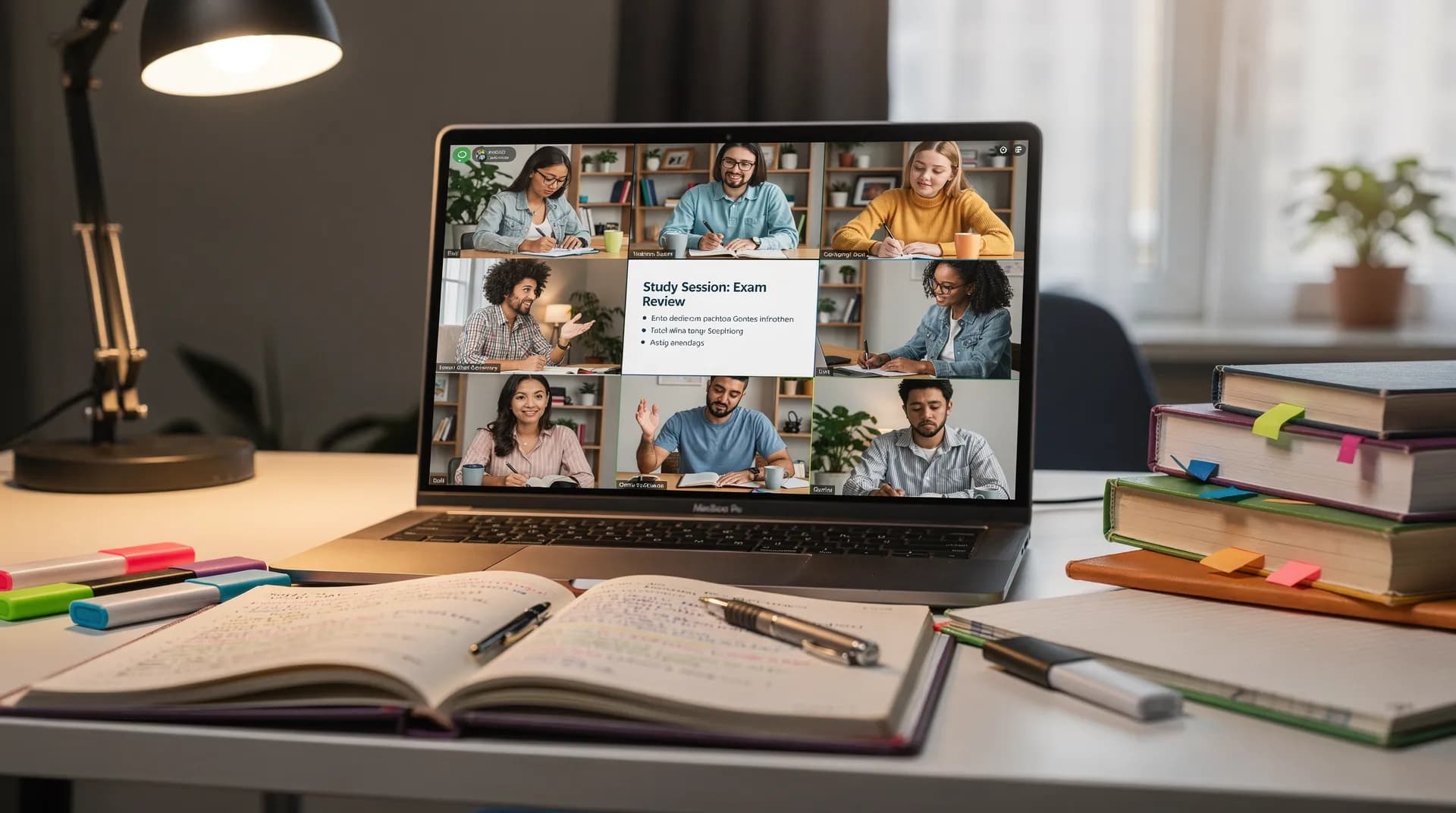
How to Watch Lectures Together Online for Study Groups (2026)
Remote learning taught us one hard lesson: studying alone is harder than studying together. But study groups got complicated.
You used to sit in a library, all watching the same lecture or documentary, pausing to discuss. Now you're in different cities, different time zones, different screen situations.
Video synchronization tools solved half the problem - everyone can watch the same video together. But that's not enough to create an effective study group. Structure matters. Pace matters. Accountability matters. This guide walks through how to build virtual study groups that actually work.

Why Study Groups Work Better Together
Study groups aren't just social. There's actual research here.
Processing information together. When you watch a lecture alone, you're passive. Watching with a group changes everything. Someone pauses to ask a question. Someone else offers an explanation. You hear three different interpretations of the same concept. This is called elaboration - restating information in your own words increases retention significantly.
Accountability and completion. Watching a 50-minute lecture alone? Easy to get distracted, stop halfway, never finish. With a group, you show up at a set time. You commit to watching together. Completion rates jump because incomplete learning is ineffective learning.
Diverse perspectives. Everyone's brain processes information differently. In a group, visual learners explain through diagrams, auditory learners summarize what they heard, read/write learners share their notes. Hearing multiple explanations makes concepts stick.
Real-time discussion. "Wait, that doesn't make sense" gets immediate clarification. "I disagree with that" sparks debate that sharpens understanding. Async comment threads can't match the speed and depth of real-time discussion.
Emotional support. Difficult material is discouraging when you're alone. In a group, you're not the only one struggling. Others get stuck, you unstick together.
Tools for Virtual Study Groups
The right tool depends on your content type and group size. No single tool is perfect for all study groups. Here are the main options with real strengths and limitations.
SyncUp
Built for synchronized video watching, SyncUp works especially well for study groups watching YouTube lecture series or Twitch educational streams.
Why it works for study groups: No signup means easier coordination - you send a link to your group chat, people click it, everyone's in the same room immediately. The playlist voting feature lets the group democratically choose which videos to watch this week, in which order.
Real example: An organic chemistry study group uses SyncUp to watch professor office hour recordings together, pausing every 10 minutes for discussion.
Honest limitations: Netflix and premium streaming don't work natively (need extension). Features are minimal - sync, chat, voting. That's it. But for most groups, that's enough. You're using it as the video sync layer, not your entire study platform.
Best for: YouTube lectures and tutorials, distributed groups, minimal setup needs. For YouTube-specific tips, see our YouTube watch party page.
Discord + YouTube Theater Mode
If your group already uses Discord for communication, this is your simplest option. Open Discord voice chat, open YouTube in Theater Mode, everyone plays the video at the same time (manual sync), talk in Discord while watching.
Real advantage: You're not learning another tool. Your group already has Discord. Voice chat is free. Everything stays in one place.
Real limitation: Manual sync means drift happens over time. Works fine for groups under 10 people in the same time zone, less ideal for larger or more distributed groups.
Zoom/Google Meet
What most schools and universities use for remote instruction. Built-in recording for async review, breakout rooms for subgroup discussions, integrated chat and screen sharing, familiar to most students.
Real limitation: Bandwidth heavy, audio delay possible on spotty connections, overkill for "just sync a video."
Best for: Instructor-led sessions, groups needing recording capability, formal educational settings with breakout room discussions.
OpenTogetherTube
Open source, privacy-focused, community-run. No tracking, no ads, no data harvesting. If your group cares about privacy - schools, sensitive research - this is worth considering.
Best for: Privacy-conscious groups, long-term study communities, YouTube lecture watching where you want to build a shared playlist library over time.
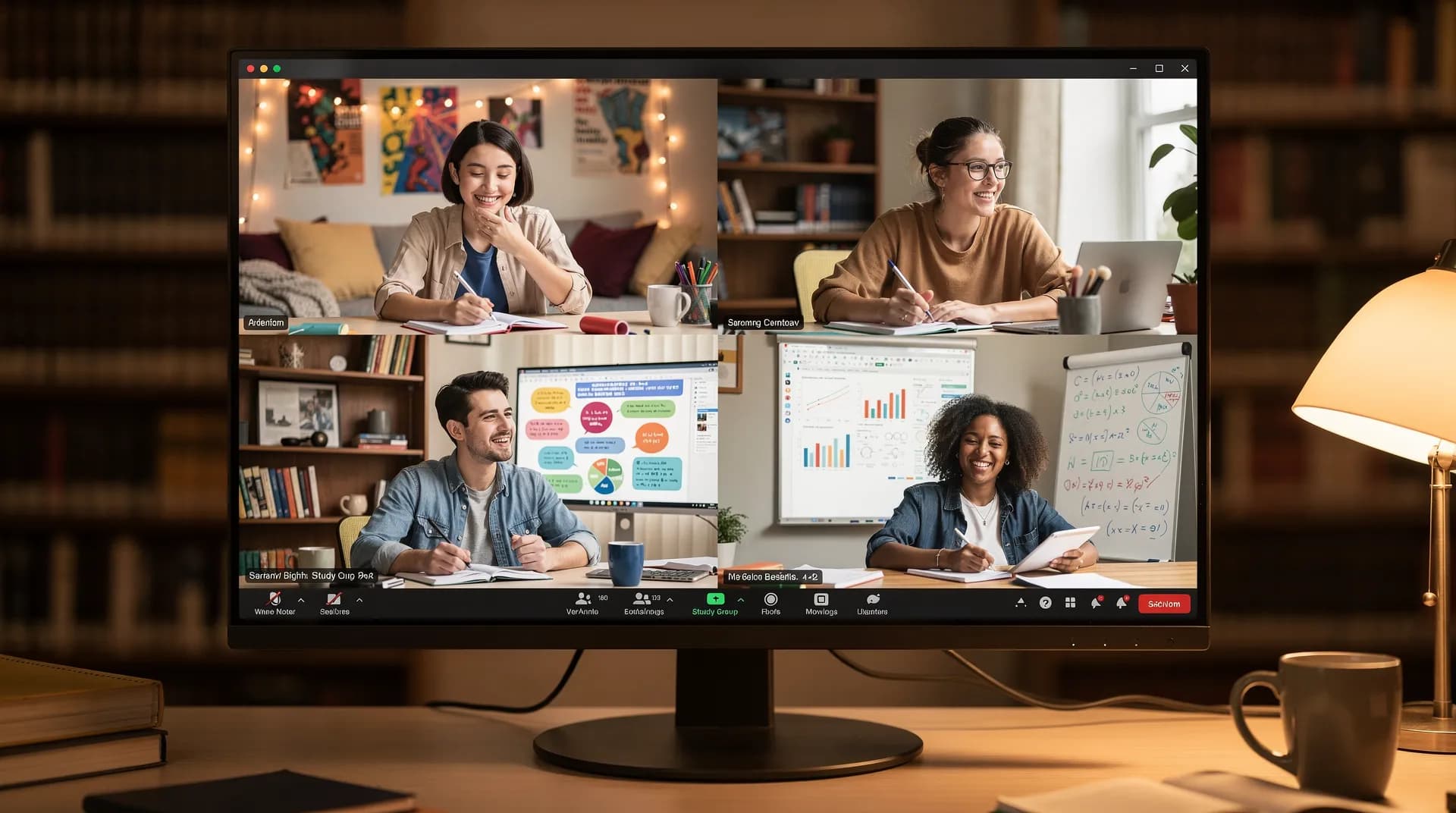
Structuring Your Virtual Study Group
Before the Session
Choose content strategically. Video length of 20-45 minutes works best - longer leads to attention drops. Match difficulty to group level: too easy is boring, too hard is overwhelming. Primary sources include MIT OpenCourseWare, YouTube educational channels, documentaries, instructor recordings.
Prepare a discussion framework. Preview the content yourself. Note timestamps for discussion moments. Prepare 2-3 opening discussion questions. Create a simple study guide (1 page max) with key concepts. This takes 15 minutes to prepare and saves 30 minutes in the actual session.
Set expectations upfront. "We're going to watch this 35-minute video together, pausing every 10 minutes for discussion. Plan for 60 minutes total. Come with one question you want to discuss." Specificity leads to higher attendance and better engagement.
During the Session
Start with a quick check-in (5 minutes). "Hey, before we start - does everyone have the transcript? Everyone can see the video? Cool, let's go." Removes awkwardness and catches technical issues before they derail the session.
Agree on pause points. Before hitting play: "I will pause at 10 min, 20 min, and 30 min. Anyone can unmute to ask questions." Structure prevents both too much talking (never watch anything) and too little (passive watching).
Live note-taking. Designate someone (rotate weekly) to take shared notes. Not transcription - just key concepts, discussion points, questions that came up, resources to look up later. Shared doc updated in real-time means everyone has notes post-session.
Designate a time keeper. "We have 35 min video + 25 min discussion. Let's stick to that." Prevents sessions from running over, which kills attendance for future sessions.
After the Session
Share and summarize. Post the notes in your group chat/Discord. Include three bullet points: what we learned, what we're confused about, what's next. Plan next session before people forget.
Build on previous sessions. Don't start from zero each week. Reference last week's concepts. "Last week we covered X. Today's video builds on that. Watch for how X connects to Y."
Session Structure Template
- 0-5 min: Check-in, technical setup, recap last session
- 5-45 min: Watch video with 2-3 planned pause points
- 45-55 min: Main discussion, questions, clarification
- 55-60 min: Recap key takeaways, plan next session
5 Study Group Formats That Work
1. Curriculum Study (Series). Watch a series of videos that build on each other - MIT course, online textbook series, YouTube playlist. Weekly sessions progress through the curriculum. Example: MIT Linear Algebra course, one lecture per week for 13 weeks. Clear progression builds commitment structure.
2. Documentary Discussion. Watch documentaries on specific topics (history, science, social issues), pause frequently for discussion. One 45-90 minute documentary per session. Discussion-heavy format is more engaging than pure lectures.
3. Journal Club Model. Read a research paper, watch related lecture/explanation videos together, discuss implications. Good for graduate students and research groups. Combines reading + video for deeper academic engagement.
4. Peer Teaching. Group members teach each other using video resources. One person picks a topic and video, everyone watches, that person leads discussion. Rotate weekly. Active learning beats passive watching.
5. Casual Learning Community. "Learn together" vibe, low commitment. Monthly or bi-weekly, casual signup, loose theme. Example: Design students watch design documentaries monthly and discuss applications. Low barrier to entry, social + educational.
Tips for Keeping Study Groups Engaged
- Right group size: 3-6 is ideal. Small enough for discussion, large enough for diverse perspectives.
- Consistent schedule: Weekly same time. Habit formation beats random scheduling.
- Accountability mechanism: Check-in at start, celebrate completion of course milestones.
- Mix content types: Not all heavy lectures. Add documentaries, interviews, lighter content.
- Rotate leadership: Prevents burnout, builds engagement across the group.
- Connect between sessions: How does this week's content relate to last week?
- Respect different learning styles: Some want heavy discussion, some just want sync + notes.
How Study Groups Differ from Casual Watch Parties
Important distinction for tool selection and expectations:
- Intent: Learning objective vs. entertainment
- Pace: Pause-and-discuss vs. continuous flow
- Content: Intentional selection vs. "what sounds fun"
- Duration: Longer commitment, structured vs. one-off
- Accountability: Progress tracking vs. no expectations
- Technical reliability: More important because educational experience depends on it
For general watch party planning that applies to both formats, see our guide to hosting watch parties.
Handling Common Challenges
Time zone differences. Options: record sessions for delayed watching plus async discussion thread, rotate who gets the inconvenient time, or use a hybrid model where people watch async and discuss live.
Inconsistent attendance. Start small with 3-4 committed people. Build in flexibility with optional sessions. Record sessions so people can catch up. Check interest weekly.
Content too easy or difficult. Start with moderate content. Gather feedback after session 1-2. Split into difficulty tiers if needed. Let the group vote on pace.
Discussion derails into off-topic. Set gentle time boundaries (30 min content, 10 min discussion). Designate a chat moderator role. Create separate channels: #study-content vs. #random. Share clear agenda in advance.
Tech issues disrupt learning. Test connection 5 minutes early, always. Have a backup tool (Discord screen share). Keep video files locally in case streaming fails. Use simple tools that are less likely to break.
Getting Started
Virtual study groups require structure, but they don't require perfect tools or perfect planning. Start simple:
- Pick 3-5 people interested in learning together
- Choose a consistent time
- Pick content (YouTube lecture series, documentary, online course)
- Set expectations: 30-40 min video, 15-20 min discussion
- Start. Adjust after session 1.
Frequently Asked Questions
45-60 minutes total is optimal. Plan for 20-40 minutes of video content plus 15-20 minutes of discussion. Longer sessions lead to attention drops. Consistent shorter sessions beat occasional long sessions - two 30-minute sessions per week works better than one 90-minute monthly session.
Depends on your content. For YouTube lectures, use SyncUp or Discord Theater Mode. For instructor-led sessions needing recordings, use Zoom. For privacy-conscious groups, try OpenTogetherTube. General advice: start simple and upgrade only if you need specific features.
Live watching is better for accountability and community building. But flexibility matters - a hybrid approach works well: synchronous watch sessions for those who can make it, plus async discussion threads for those who can't. If forcing inconvenient times, people stop showing up.
Check the terms of service. Skillshare and Masterclass have single-user subscriptions where group watching may violate ToS. YouTube, MIT OpenCourseWare, and Khan Academy are free educational content with no restrictions on group watching - always safe to use.
Recurring time (same day, same time weekly) builds habit. Small groups (3-5 people) have better accountability than large ones. Start on time without waiting for stragglers. Make the first session good so people want to return. Rotate who leads discussion to spread engagement.
Ready to try SyncUp?
Start your free watch party now and experience synchronized video watching.
Create a Watch Party