
How to Watch Local Video Files Together Without Uploading (2026)
Sometimes the video you want to watch together isn't on YouTube or Twitch. Maybe it's a home video from last summer, a movie you downloaded, or something you created yourself. Until now, sharing these moments meant uploading files to a cloud service and hoping everyone could access them. I built local file streaming to solve exactly this problem.
Why I Built This
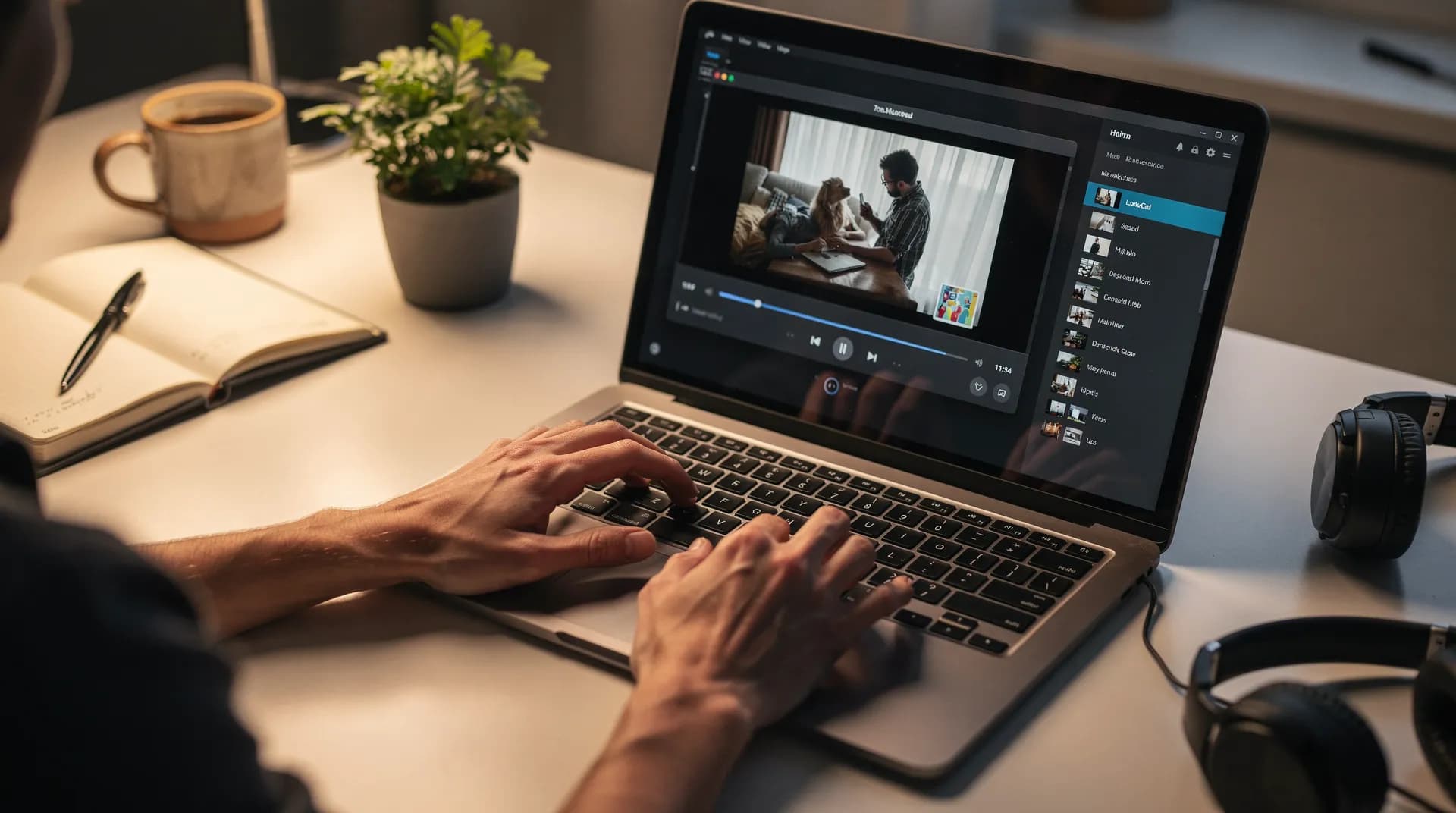
As a solo developer, I spend a lot of time reading user feedback. One request kept coming up: people wanted to watch their own videos together, not just content from streaming platforms. Couples wanted to rewatch wedding videos. Friend groups wanted to share vacation footage. Content creators wanted to preview their work with collaborators. These creative use cases kept inspiring me to find a solution.
The obvious solution would be to let users upload videos to SyncUp's servers, but that creates problems. Large files take forever to upload, storage costs would force me to add limits, and privacy concerns make people hesitant to upload personal content. I needed a different approach.
How It Works
Local file streaming uses WebRTC to create direct peer-to-peer connections between your browser and everyone in your room. When you select a video file, SyncUp captures it and streams the content directly to your viewers. The video never touches any server. It goes straight from your computer to theirs.
This approach has real benefits. There's no upload wait time. Your file stays private on your machine. And since I'm not storing anything, there are no file size limits or storage quotas to worry about.
Supported Formats
SyncUp supports the most common video formats: MP4, WebM, MOV, MKV, and Ogg. If your browser can play it, you can stream it. See the MDN media format guide for details on browser-supported formats.
What You Need to Know
Peer-to-peer streaming works differently from watching YouTube together. Since you're the source of the video, your internet connection matters more than usual. Here are the key things to keep in mind:
- Works best with 6 or fewer viewers. Each viewer receives the stream directly from you, so more viewers means more bandwidth usage on your end.
- Your upload speed matters. You're acting as the video source, so a stable upload connection keeps the stream smooth for everyone.
- All playback controls work. Play, pause, seek, and playback speed all sync across the room just like with any other video.
How to Use It
Getting started with local file streaming is straightforward. If you're new to hosting, check out our hosting guide for tips on setting up your room.
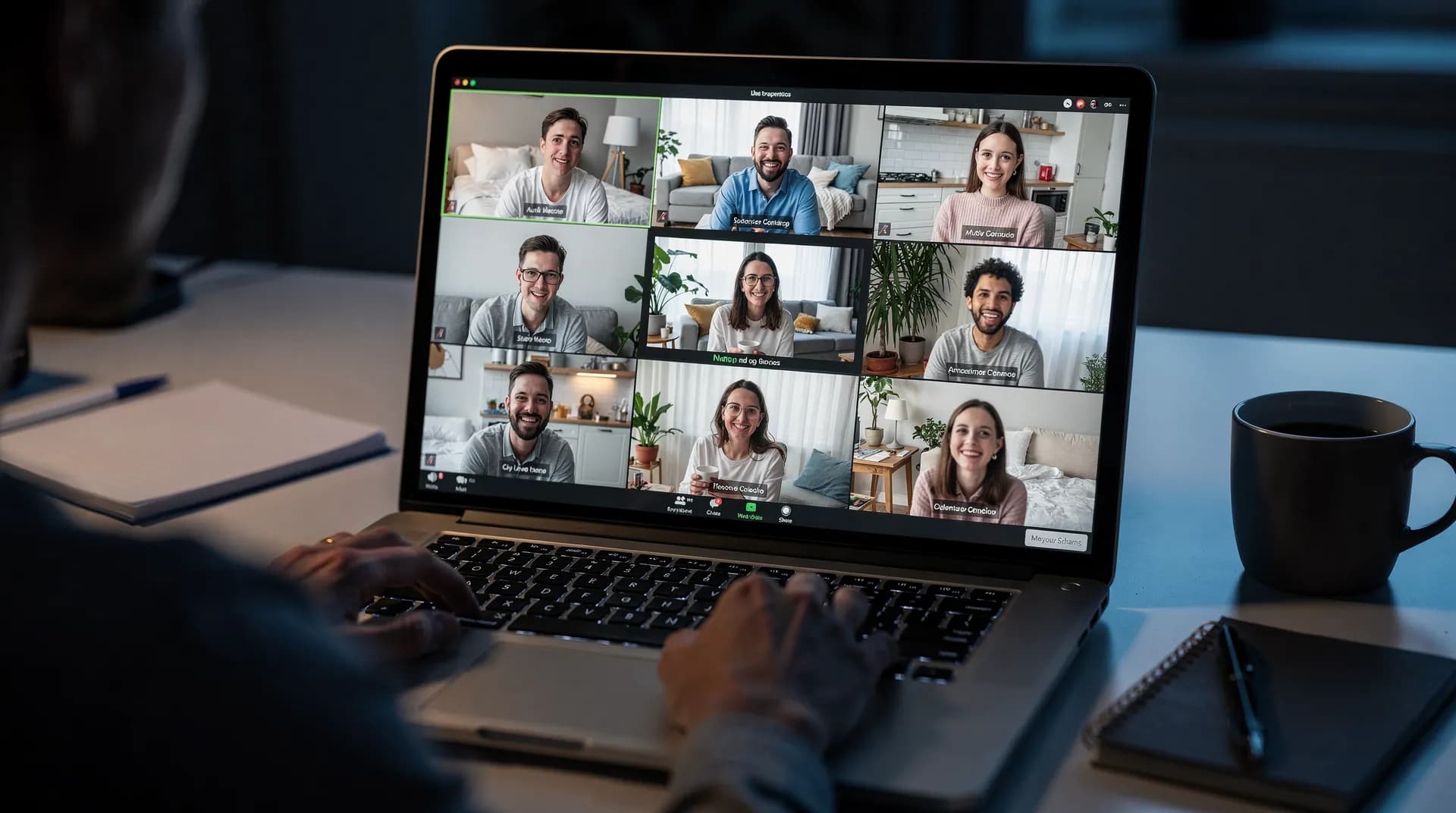
- Create or join a SyncUp room. You'll need to be in a room before you can share a local file.
- Click the local file button in the player. You'll find it in the video controls area.
- Select your video file. Browse your computer and choose the video you want to share.
- Everyone sees your video. The stream starts automatically and all viewers can watch in sync.
Performance Tips
Since you're the source of the stream, there are a few things you can do to ensure the best experience for your viewers:
Close Other Apps
Pause downloads and close bandwidth-heavy applications while streaming to free up your upload capacity.
Use Wired Connection
Ethernet connections are more stable than Wi-Fi and provide consistent bandwidth for streaming.
Reduce Viewers If Needed
If viewers experience lag, try reducing the number of participants or having someone with better bandwidth be the host.
The Bottom Line
Local file streaming opens up a whole new category of content for watch parties. Your wedding videos, home movies, downloaded content, and creative projects can now be shared instantly with friends and family, no upload required.
Frequently Asked Questions
No. Your video stays on your computer the entire time. SyncUp uses WebRTC to stream directly from your browser to your viewers. Nothing is stored on our servers.
Local file streaming works best with 6 or fewer viewers. Since you're the source, each viewer uses a portion of your upload bandwidth. More viewers means more strain on your connection.
SyncUp supports MP4, WebM, MOV, MKV, and Ogg files. If your browser can play the file, you can stream it.
Your upload speed is the limiting factor. Try closing other apps that use bandwidth, switching to a wired connection, or reducing the number of viewers. If that doesn't help, someone with a faster connection could host instead.
Not yet. Local file streaming currently works as a one-off share. Playlist support for local files is something I'm considering for the future.
Try Local File Streaming
Ready to share your own videos with friends? Create a room and try streaming a local file today. No upload, no wait, no limits.
Start Your Watch PartyReady to try SyncUp?
Start your free watch party now and experience synchronized video watching.
Create a Watch Party