
Why Browser-Based Apps Are Better for Watch Parties
When people first discover SyncUp, they sometimes ask: "Where do I download the app?" The answer is simple: you don't. SyncUp runs entirely in your web browser, and that's not a limitation - it's a feature. Here's why being browser-based makes SyncUp better.
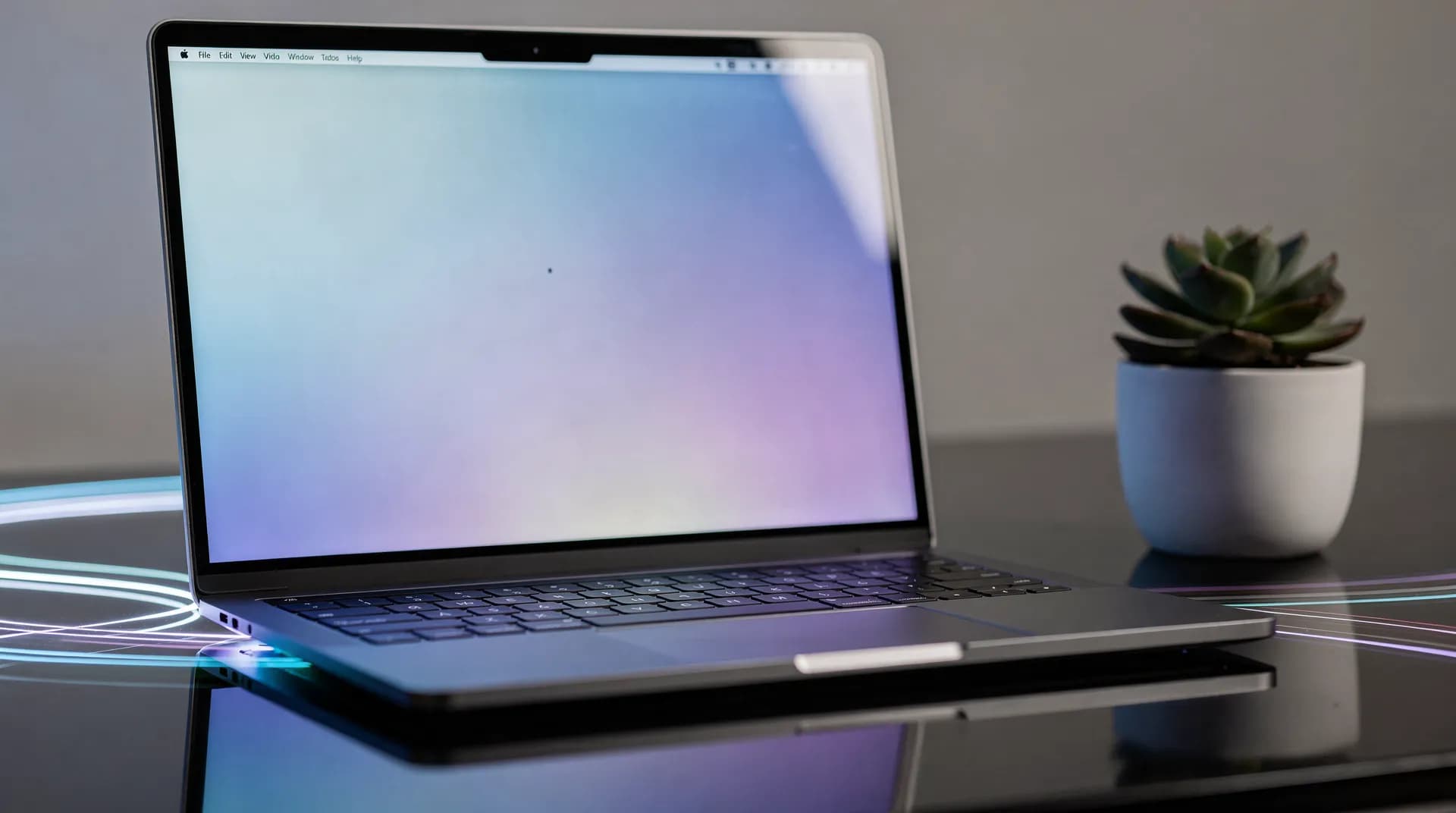
Instant Access, Zero Downloads
Think about the last time someone invited you to use a new app. You had to find it in the app store, wait for the download, go through installation, create an account, and finally figure out how to use it. That's friction that kills spontaneous watch parties.
With SyncUp, someone shares a link and you're watching together in seconds. No app store, no download bar, no storage space worries. Just click and you're there. This is especially important when you're trying to get a group together - convincing five friends to download an app is much harder than sharing a link. That's why free watch party tools that require no download have become so popular.
Works on Everything, Everywhere
Native apps require separate versions for each platform: iOS, Android, Windows, Mac, Linux. That means more development time, more bugs to fix, and features that roll out at different times on different platforms. Some platforms might not get the app at all.
Browser-based means SyncUp works on any device with a modern web browser. Windows laptop? Works. iPhone? Works. Android tablet? Works. Chromebook? Works. Linux desktop? Works. Smart TV with a browser? That works too. One codebase, universal access.
Supported Platforms
Always Up-to-Date, Automatically
Native apps need updates pushed through app stores, reviewed, approved, and then downloaded by users. This process can take days or weeks. Meanwhile, users with outdated apps might experience bugs or miss out on new features.
Web apps update instantly. When we improve SyncUp, you get the new version the next time you open the site. No update prompts, no waiting, no "please update to continue" messages. If we fix a bug or add a feature, everyone benefits immediately.
No Storage Space Worries
Phone storage full? Apps competing for space? That's not a problem with browser-based tools. SyncUp doesn't take up space on your device because there's nothing to install. Your browser already exists - we just use it.
This is particularly valuable on mobile devices where storage is often limited. You don't have to choose between keeping your photos and having room for apps - SyncUp doesn't require that tradeoff.
Add to Home Screen for an App-Like Experience
Want the convenience of an app icon on your home screen? SyncUp supports Progressive Web App (PWA) installation. Add SyncUp to your home screen and it launches like a native app, with its own icon, without the browser interface getting in the way.
PWA installation is optional - it's there if you want the convenience, but you never need it. SyncUp works perfectly in a regular browser tab.
How to Install as PWA
- Chrome (desktop): Click the install icon in the address bar
- Safari (iOS): Tap Share, then "Add to Home Screen"
- Chrome (Android): Tap menu, then "Add to Home Screen"
No App Store Gatekeeping
App stores have rules, review processes, and sometimes arbitrary decisions about what apps can do. Browser-based apps bypass these gatekeepers. Features ship when they're ready, not when an app store approves them.
This independence means SyncUp can iterate faster and respond to user feedback more quickly. If users want a feature, we can build and deploy it without waiting for approval.
Easier Sharing and Collaboration
Sharing a link is universal. It works in text messages, email, Discord, WhatsApp, Slack - anywhere you communicate. The recipient doesn't need to have the right app installed or be on the right platform. They just click and join.
For watch parties, this is transformative. Planning a movie night? Create a room, copy the link, share it wherever your friends are. No instructions needed, no "first download this app" explanations. Just a link that works. Check out our guide on best watch party apps of 2026 to make your next movie night a success.

The Technology Has Caught Up
Years ago, web apps were limited compared to native apps. That's no longer true. Modern browsers support real-time communication via WebRTC, hardware acceleration, offline capabilities, push notifications, and much more. The gap between web and native has largely closed.
SyncUp leverages these modern browser capabilities - like the WebRTC API for peer-to-peer connections - to deliver the same performance you'd expect from a native app, without the download. Real-time synchronization, smooth video playback, responsive interface - all running in your browser.
Tradeoffs to Consider
Browser-based isn't perfect for every use case. Here's what you should know:
- Requires internet: You need an active connection to use SyncUp. There's no offline mode for downloading videos ahead of time.
- Browser compatibility: While we support all major browsers, older or niche browsers might have issues. Keep your browser updated for the best experience.
- Tab management: SyncUp runs in a browser tab, which means it competes with your other tabs for attention and resources.
- Mobile browser limitations: Some mobile browsers restrict background audio or video, which can affect the experience if you switch apps.
For watch parties specifically, these tradeoffs rarely matter - you're already online to stream video, and the ease of sharing a link far outweighs the downsides. When comparing watch party apps, browser-based solutions consistently win on accessibility.
The Bottom Line
SyncUp is browser-based because it creates a better experience for watch parties. Instant access, universal compatibility, automatic updates, and effortless sharing. The goal is watching videos together, not managing app installations.
Experience It Yourself
Create a watch party room in seconds and see how seamless browser- based can be. No downloads, no accounts required.
Start Your Watch PartyFrequently Asked Questions
No. SyncUp runs entirely in your web browser. Just open the link and start watching. You can optionally add it to your home screen as a PWA for quick access, but it's not required.
SyncUp works on Chrome, Firefox, Safari, and Edge on all major platforms including Windows, macOS, Linux, iOS, and Android. We recommend keeping your browser updated for the best experience.
SyncUp requires an internet connection to sync playback between viewers and stream video content. Offline viewing isn't supported since watch parties are inherently an online activity.
For watch parties, yes. Modern browsers support real-time communication, hardware-accelerated video, and smooth interfaces. The main advantage of browser-based is instant access - no downloads or app store friction when inviting friends to join.
If your smart TV has a modern web browser, SyncUp should work. However, smart TV browsers vary in quality. For the best experience, we recommend using a laptop, phone, or tablet connected to your TV.
Related Guides
Related Articles
Keep Exploring
Ready to try SyncUp?
Start your free watch party now and experience synchronized video watching.
Create a Watch Party